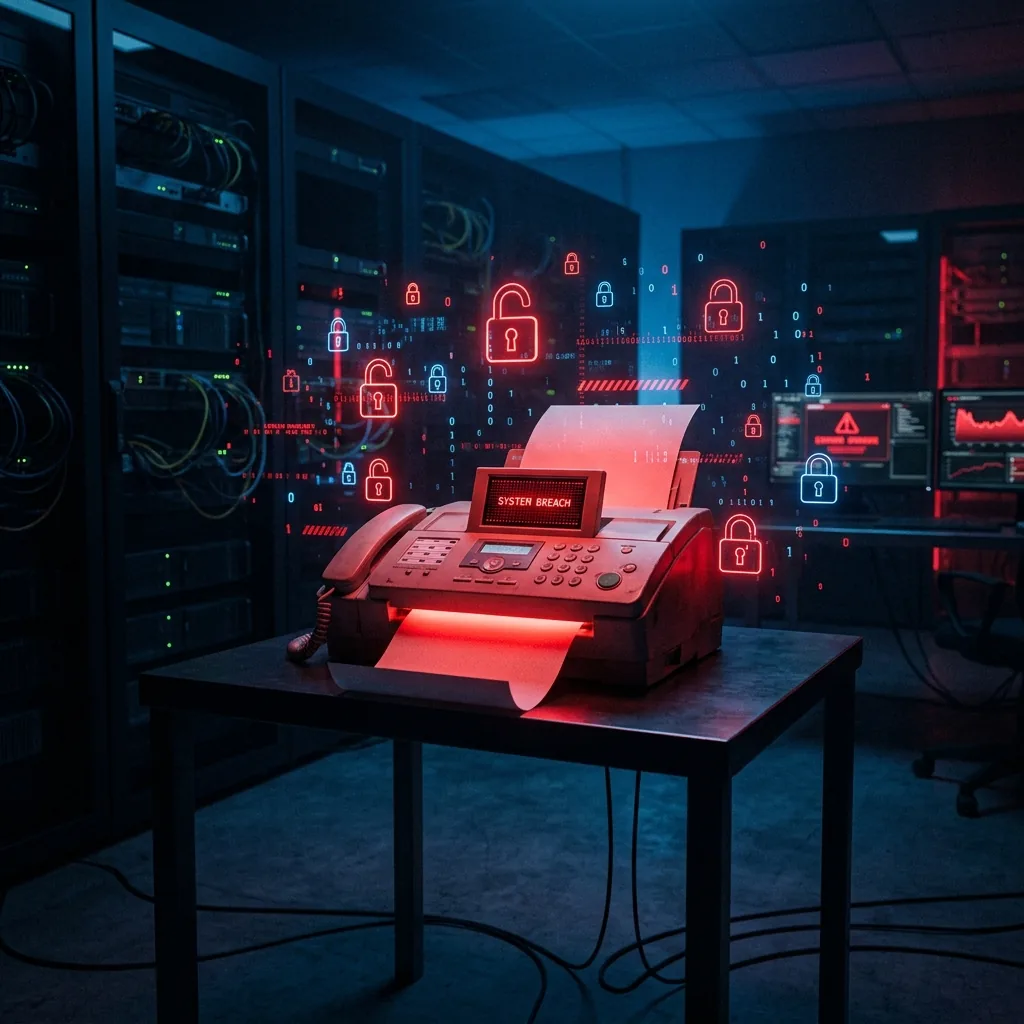
Businesses spend thousands on cybersecurity. Firewalls. Endpoint protection. Multi-factor authentication. Encrypted email. Phishing training. Penetration testing. SOC monitoring.
And then they print incoming faxes — containing Social Security numbers, patient records, and financial documents — into an open plastic tray that anyone in the building can walk up to and read.
I’m not being dramatic. This is the actual security posture of millions of offices in 2026.
Your IT department spent $15,000 on a next-gen firewall. Your compliance officer spent six months implementing an access control framework. Your HR department ran quarterly security awareness training.
And the most sensitive documents in your organization are sitting face-up in a $200 machine in the hallway, completely unencrypted, completely unprotected, completely unmonitored.
This is a data breach. We just don’t call it one.
Let’s apply the same standards we use for digital data breaches to the fax machine scenario.
A data breach, in most regulatory frameworks, is defined as the unauthorized access to, or disclosure of, personally identifiable information (PII) or protected information.
Now consider what happens at a typical office every day:
A fax arrives at 6 PM. It contains a client’s tax return with their full legal name, Social Security number, date of birth, home address, employer information, and income. The document prints and sits in the tray. The office is closed. Over the next 14 hours, the following people have physical access to that document:
- The cleaning crew (3 people)
- Building maintenance staff (1–2 people)
- Security guards (if the building has them)
- Early-arriving employees from other offices (in shared buildings)
- Anyone with building access who happens to walk past
None of these people are authorized to access client PII. None of them have been screened for data access. None of them signed acknowledgments regarding the handling of sensitive information.
And yet, the document is sitting right there. Face up. Fully readable. No password. No lock. No alert.
In any digital context, this would be classified as a potential data breach — unauthorized parties had access to sensitive personal information. But because it’s a piece of paper in a plastic tray, it’s classified as “how fax works.”
The fax machine as a security risk and attack surface
Information security professionals think in terms of “attack surfaces” — the total area of vulnerability that an unauthorized actor can exploit. Organizations invest heavily in reducing their digital attack surface: closing ports, patching software, hardening networks, restricting access.
But the physical fax tray is an attack surface hiding in plain sight.
Insider threat. A disgruntled employee who walks past the fax machine can see (and photograph) every incoming document. No digital forensics will detect this. No access log will record it. The employee walks by, reads the document, and walks away. Zero evidence.
Social engineering. Someone posing as a vendor, client, or delivery person walks through the office and passes the fax machine. They glance down. They see a settlement agreement. A medical diagnosis. A merger document. Information they can use, sell, or leverage. No hacking required.
After-hours exposure. The cleaning crew, building maintenance, and after-hours visitors have unsupervised access to printed faxes. You’ve invested in badge access for server rooms and locked cabinets for HR files — but the fax tray sits open and unguarded.
Competitive intelligence. In shared office buildings, employees from other companies on the same floor may have access to common areas where fax machines are located. Pricing proposals, client lists, and contract terms sitting in a fax tray become available to anyone in the building.
No firewall protects against any of these scenarios. No antivirus catches them. No SIEM generates an alert. Because the vulnerability isn’t digital — it’s physical. And most organizations don’t think about physical document security with the same rigor they apply to digital data.
Regulatory bodies are starting to notice
The gap between digital security standards and physical document handling is not going unnoticed by regulators.
HIPAA. The Office for Civil Rights has made clear through enforcement actions that physical PHI exposure is a violation. A patient’s medical records in an unattended fax tray is an impermissible disclosure — full stop.
GDPR. Under the European General Data Protection Regulation, personal data must be protected by “appropriate technical and organizational measures.” An uncontrolled fax tray in a shared space is neither a technical measure nor an organizational one.
State data privacy laws. California’s CCPA, Virginia’s CDPA, Colorado’s CPA, and a growing list of state privacy frameworks impose obligations on businesses to protect personal information — without distinguishing between digital and physical formats.
Industry-specific standards. SOC 2, PCI DSS, and ISO 27001 all include requirements for physical document security. An uncontrolled fax tray with no access logging is a control failure that auditors will flag.
Legal ethics rules. For law firms, ABA Model Rule 1.6 requires “reasonable efforts to prevent unauthorized disclosure” of client information. For accounting firms, AICPA standards similarly require safeguarding client data. In both cases, an open fax tray is increasingly difficult to defend as “reasonable.”
How online fax services eliminate the security gap
The irony of this entire situation is that a secure online fax service has existed for years, costs less than the problem, and takes about 30 minutes to implement.
Cloud fax services — also called electronic fax or internet fax — receive incoming faxes as encrypted digital files delivered to the intended recipient’s inbox. No printing. No tray. No physical exposure.
Here’s what changes when you move to cloud fax:
Incoming fax handling. Instead of printing to an open tray: the document arrives as a 256-bit AES encrypted PDF in a password-protected inbox. Only the intended recipient can access it. An automatic audit log records when it arrived, who accessed it, and when.
Access control. Instead of “whoever walks by”: role-based permissions determine who can see which faxes. The billing department doesn’t see the legal documents. The front desk doesn’t see the financial records. Each staff member has their own secure inbox.
After-hours security. Instead of documents accumulating in a plastic tray overnight: incoming faxes sit in encrypted cloud storage until an authorized user retrieves them during business hours. The cleaning crew can’t read them. Building maintenance can’t access them. Nobody can photograph them because they’re never printed.
Audit trail. Instead of no evidence: every fax generates a timestamped, immutable log entry. If a regulator asks who had access to a specific document, you can produce the answer in seconds. If a client asks whether their fax was received, you can confirm it with delivery timestamp, access log, and read receipt.
Disaster recovery. Instead of paper documents that can be destroyed by fire, flood, or theft: every fax is backed up in encrypted cloud storage with geographic redundancy. Your fax archive survives any physical disaster.
The cost comparison that should end the argument
A dedicated fax phone line costs $30–60/month. Paper and toner for the machine cost $30–60/month. Machine maintenance averages $15–30/month.
Physical fax total: $75–150/month — with zero security, zero access control, and zero audit trail.
A cloud fax service costs $10–30/month.
Cloud fax total: $10–30/month — with enterprise-grade encryption, role-based access, comprehensive audit logging, and complete disaster recovery.
You pay less money and get more security. The physical fax machine is simultaneously more expensive and less secure than its replacement. There’s no dimension in which keeping it makes sense.
The action item
Next time you walk past your office fax machine, look at the tray. Is there a document in it? Can you read it from where you’re standing?
Now ask yourself: how much did your organization spend on cybersecurity last year?
Then ask: does that cybersecurity budget protect the documents sitting face-up in that plastic tray?
The answer, almost certainly, is no.
Your most sophisticated firewall does nothing about the Social Security number sitting in the fax tray. Your phishing training doesn’t stop the cleaning crew from reading your client’s medical diagnosis. Your access control system doesn’t prevent a building visitor from photographing your pending merger agreement.
The fax tray is the last unguarded door in your security perimeter. And the key to closing it costs less per month than your team’s coffee budget.
I help businesses identify and close security gaps in their document workflows. If you want to see a detailed comparison of secure online fax services with strong security certifications — including SOC 2 Type II, 256-bit encryption, HIPAA BAA availability, and audit trail capabilities — I published a comprehensive review here: Online Fax vs Physical Fax: Complete Security & Cost Comparison
Frequently Asked Questions
Are online fax services secure?
Yes — reputable online fax services are significantly more secure than physical fax machines. They use 256-bit AES encryption for documents at rest and TLS 1.3 for transmission. Documents are delivered to password-protected inboxes with role-based access controls, and every transaction generates an immutable audit trail. Look for SOC 2 Type II certification for independently verified security practices.
Is faxing HIPAA compliant with a physical machine?
The fax transmission protocol itself is considered HIPAA compliant because it’s point-to-point. However, a physical fax machine typically is not HIPAA compliant in practice because documents containing Protected Health Information print in open trays with no encryption at rest, no access controls, and no audit logging. HIPAA compliant fax services solve this with encrypted delivery, role-based access, and signed Business Associate Agreements.
How secure are online fax services compared to physical fax?
Online fax services are more secure in every dimension. Physical fax: no encryption at rest, no access controls, no audit trail, documents exposed in open trays. Online fax: 256-bit AES encryption, password-protected inboxes, role-based permissions, complete audit logs, cloud backup with geographic redundancy, and SOC 2 certified security practices. The security comparison isn’t close.
Are online fax services safe from data breaches?
No system is immune to breaches, but reputable online fax services implement enterprise-grade security measures: encryption at rest and in transit, multi-factor authentication, SOC 2 Type II certified data centers, and regular security audits. This is a fundamentally higher security posture than a physical fax machine where sensitive documents sit unencrypted in an accessible tray with zero monitoring.
What is the best online fax service that is HIPAA compliant?
The best HIPAA compliant online fax service should provide: a signed Business Associate Agreement (BAA), 256-bit AES encryption at rest, TLS encryption in transit, SOC 2 Type II certification, role-based access controls, complete audit trails with timestamps, and configurable data retention policies. Services headquartered in jurisdictions with strong privacy laws (such as Switzerland) offer additional protection.