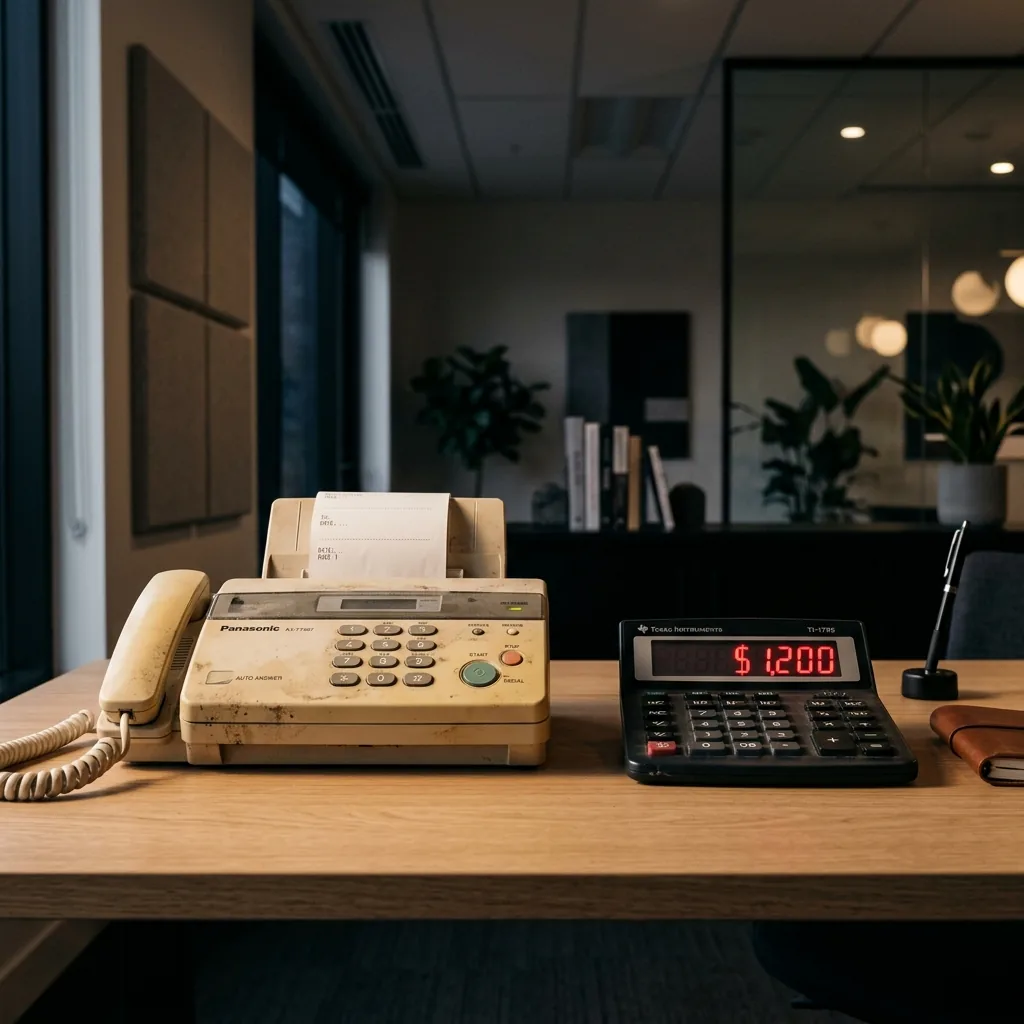
Every office has one. That beige machine in the corner, quietly humming, occasionally spitting out curled pages nobody picks up for hours. It’s the office fax machine — and most people assume it costs nothing because they already own it.
I used to think the same thing. Then I actually ran the numbers on how much a fax machine truly costs to operate.
How much does a fax machine really cost?
Last quarter, I was asked to review operational overhead for a 12-person accounting firm. The managing partner wanted me to find $500/month in savings. “Quick wins,” he called it.
I found $500 in savings on the first line item I checked.
Their fax machine — a workhorse they’d owned for five years — was costing them more than their office coffee budget, their printer ink, and their shredding service combined.
Here’s the full breakdown of their fax machine cost when I audited every fax-related expense:
Dedicated analog phone line: $47/month. This line existed for one purpose only — the fax machine. Nobody had questioned it since 2019.
Paper consumption: $18/month. Three reams per month, because incoming faxes print whether you want them to or not. Junk faxes, wrong numbers, test pages from vendors — all printed automatically.
Toner cartridges: $22/month when amortized across the year. The machine devoured toner because it printed every incoming fax at full density.
Maintenance and repairs: $12/month amortized. The rollers needed replacing annually. The feeder jammed every few weeks.
Total hard costs: $99/month — $1,188 per year.
And that was before the invisible cost.
The hidden cost nobody measures: staff time at the fax machine
During tax season, their office manager — let’s call her Sarah — spent approximately 45 minutes every day at the fax machine. Feeding documents. Waiting for transmissions. Redialing busy numbers. Clearing paper jams. Walking back and forth from her desk to pick up incoming faxes. She was learning how to send a fax the hard way — one jammed page at a time.
At her hourly rate, those 45 minutes per day added up to over $2,000 per year in pure labor cost — time she could have spent on actual accounting work.
Real total annual cost of their “free” fax machine: $3,200+.
When I showed the managing partner this number, he stared at it for a full ten seconds. Then he said: “We’ve been paying this for how many years?”
Seven. The answer was seven years.
Why nobody questions the fax machine
The fax machine is the ultimate invisible expense. It sits quietly in the corner. It mostly works. The $47 phone line charge is buried in a telecom bill that nobody reads carefully. The paper and toner get lumped into “office supplies.” Sarah’s time at the machine gets lumped into “admin work.”
No single line item is alarming. But stack them up, and you’re looking at thousands of dollars per year — for a technology originally commercialized in the 1960s.
Meanwhile, an online fax service that does the same job — and does it better — costs less than a single Netflix subscription.
How to fax without a fax machine: the fix that took 20 minutes
The solution was almost anticlimactic. They signed up for a cloud fax service — a web-based online fax platform that sends and receives faxes digitally, with no physical machine required.
Here’s how it works. You upload a document — PDF, Word, or image — enter the recipient’s fax number, and click send. The cloud service transmits it as a standard fax signal. The person on the other end receives a normal fax on their machine. They can’t tell the difference.
For incoming faxes, the process reverses: someone sends a fax to your number, and instead of printing on a machine, it arrives as an encrypted PDF in your email inbox.
They ported their existing fax number to the new online fax service. Every client, every bank, every IRS correspondence — same number, different infrastructure. Nobody on the outside noticed the change.
The new monthly cost: $19.
Sarah’s daily fax routine went from 45 minutes to about 3 minutes. She could now send a fax from her computer — or even fax from her iPhone when working remotely.
The three-question audit I now give every client
If you have a physical fax machine in your office, ask yourself three questions this week:
1. What is the actual line item on your phone bill for your fax line? Most people have never looked. Pull your latest telecom invoice and find it. I’ve seen dedicated fax lines ranging from $25 to $65/month depending on the carrier and region.
2. How many minutes per day does someone physically operate the machine? Time it for one day. Include walking to the machine, feeding pages, clearing jams, waiting for transmission confirmations, and dealing with failed sends. The number will surprise you.
3. How many of those faxed documents contain sensitive data sitting exposed in an open tray? Tax returns with Social Security numbers. Medical records. Legal documents. Client financials. Anything that prints out sits visible to anyone who walks by until someone picks it up. If you’re in healthcare, ask yourself: is your fax machine HIPAA compliant?
Frequently Asked Questions
How much does a fax machine cost to operate?
The purchase price of a fax machine is only the beginning. When you factor in the dedicated phone line ($30–60/month), paper, toner, maintenance, and staff time, a typical office fax machine costs $80–150/month in hard costs alone — and often over $3,000/year when labor is included. Most businesses dramatically underestimate the true cost because expenses are spread across multiple budget categories.
How do online fax services work?
An online fax service replaces your physical fax machine with a web-based platform. To send a fax, you upload a document and enter the recipient’s fax number — the service transmits it as a standard fax signal. To receive, incoming faxes arrive as encrypted PDFs in your email inbox or app. The recipient’s machine can’t tell the difference. You keep your existing fax number through number porting.
Are online fax services secure?
Yes — reputable online fax services are actually more secure than physical fax machines. They use 256-bit AES encryption for documents at rest and TLS encryption in transit. Unlike a physical machine where documents sit exposed in an open tray, cloud fax delivers documents to password-protected inboxes with full audit trails. Top services carry SOC 2 Type II certification for independently verified security.
What is the best online fax service for small business?
The best online fax service depends on your needs, but key features to look for include: reliable delivery with automatic retry, strong encryption (256-bit AES), number porting support, a quality mobile app for faxing from your phone, and fair pricing without hidden per-page fees. Services with SOC 2 certification and HIPAA compliance options offer the strongest security foundations.
Can you fax without a fax machine?
Absolutely. Cloud fax services let you send and receive faxes from any computer, tablet, or smartphone — no physical machine, no dedicated phone line, no paper, no toner. You can fax from your iPhone, fax from your computer, or use a web browser. The process takes about 30 seconds per fax, and the recipient sees a standard fax on their end.
The uncomfortable truth
I’ve done this audit for over a dozen businesses now. The numbers vary, but the conclusion never does: the physical fax machine always costs more than people think, and there’s always a better online fax service alternative that costs less than a Netflix subscription.
The businesses that have switched aren’t sentimental about it. They’re spending less, operating faster, and their most sensitive documents are no longer sitting in a plastic tray in the break room.
The math doesn’t lie. The only question is whether you’re ready to look at it.
I write about business technology and workflow optimization. If you want to see the full cost comparison of cloud fax services I evaluated — including pricing breakdowns, security certifications, and which services support number porting — I published a detailed analysis here: The Real Cost of Physical vs. Online Fax