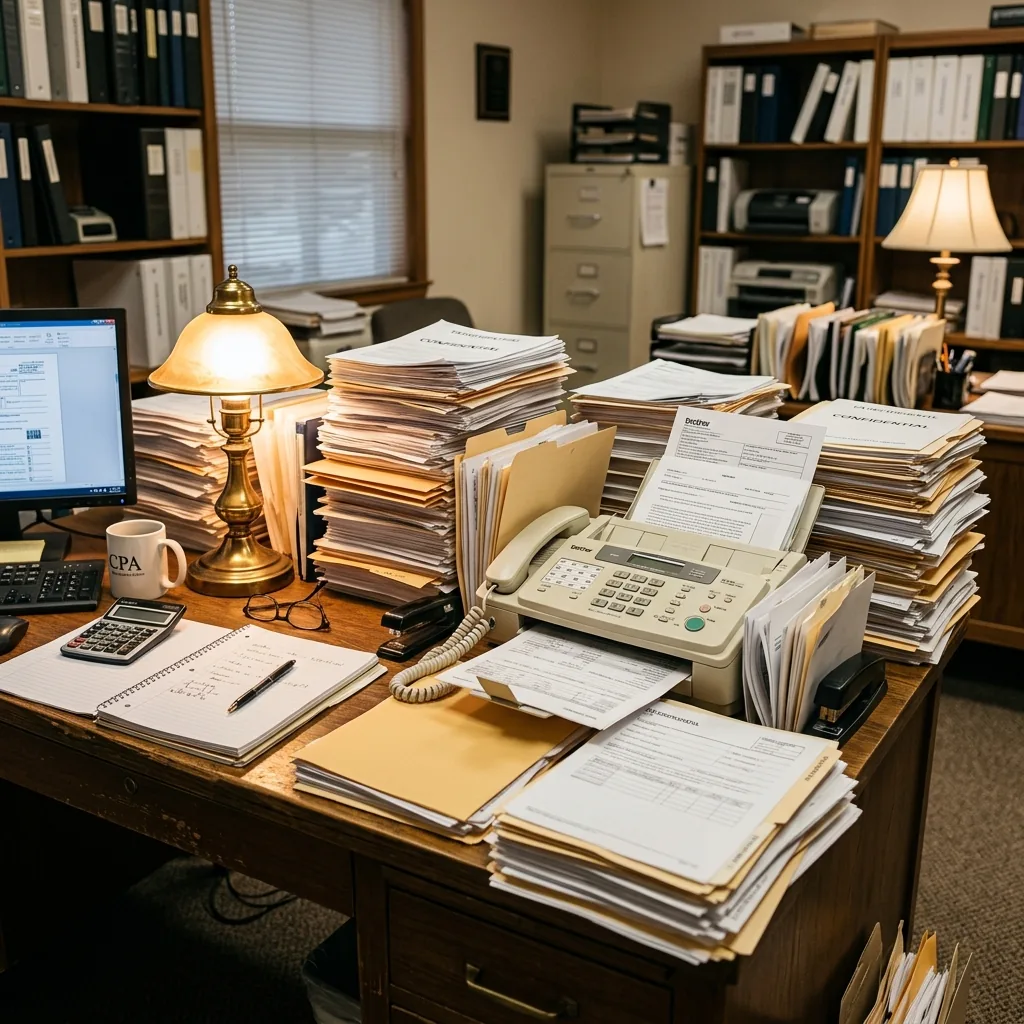
Tax season is a document blizzard. If you’ve worked in an accounting firm between January and April, you know the drill.
W-2s arriving in batches. 1099s trickling in one at a time. K-1s that show up on April 14th. Bank statements, stock sale confirmations, charitable donation receipts, and the inevitable handwritten note from a long-time client that says: “Here’s everything, can you file by Friday?”
And in the middle of this document hurricane, there’s a fax machine. Humming. Printing. Jamming. Beeping. Sitting in the corner like a relic from another era — because it is one.
I want to tell you the story of a firm that decided to do something about it. And how the seemingly trivial decision to unplug their fax machine ended up recovering $34,000 in billable time over a single tax season.
The invisible bottleneck
The firm — a mid-size CPA practice with 8 CPAs, 4 staff accountants, and 3 administrative employees — had used the same fax machine for years. Two, actually. One for incoming, one for outgoing. Two dedicated phone lines.
During tax season, those machines were in constant use. Clients faxed in tax documents. The firm faxed completed returns to clients for review. Banks and financial institutions received fax requests for verifications and transcripts. The IRS — which still accepts faxed documents for many submission types — was a frequent destination.
The office manager estimated the machines processed 60–80 faxes per day during peak season.
But the real problem wasn’t the volume. It was the workflow around it.
Here’s what a single outgoing fax looked like:
Step 1: Print the document from the accounting software. Walk to the printer. Pick it up. Step 2: Walk to the fax machine (different room in this office). Place the document in the feeder. Step 3: Dial the recipient’s fax number manually. Wait for the connection. Step 4: Watch the pages feed through. A 15-page tax return takes 4–5 minutes. Step 5: Wait for the confirmation page. If transmission failed — because the recipient’s line was busy, the paper jammed, or the machine overheated — start over from Step 3. Step 6: Write the confirmation number on the cover page. File the paper confirmation. Step 7: Walk back to your desk.
Elapsed time for a single successful fax: 8–12 minutes. For a failed fax that requires retry: 15–20 minutes.
The security problem hiding in plain sight
During my review, I asked a straightforward question: “What’s in the incoming fax tray right now?”
The office manager walked over and pulled out the stack. In it were:
- Two client W-2s with Social Security numbers
- A bank verification letter containing account numbers and balances
- A 1099-B from a brokerage showing capital gains and positions
- A client’s handwritten note with their updated address and phone number
All sitting in an open tray. In a room accessible to all 15 employees. With no log of who had seen any of it.
Every single document in that tray contained sufficient Personally Identifiable Information (PII) for identity theft. Full legal names. Social Security numbers. Dates of birth. Income figures. Bank account numbers.
Accounting firms are bound by multiple data protection requirements — IRS Publication 4557 outlines standards for safeguarding taxpayer data, AICPA professional standards require reasonable precautions, and many states have specific data protection laws. A fax tray sitting in the open satisfies none of them.
What replacing the fax machine actually looked like
The managing partner was initially skeptical. His concern was legitimate: “We have clients who only communicate by fax. We have banking relationships that require fax. We have an IRS process that depends on fax. We can’t just stop faxing.”
He was right. They couldn’t stop faxing. But they could stop using a physical machine to do it.
Here’s what the transition looked like:
Day 1: They signed up for a cloud fax service. Each CPA and the admin team got individual logins. The firm’s two existing fax numbers were submitted for porting — same numbers, new digital infrastructure.
Day 2–4: During the porting process (which takes 1–3 business days), both systems ran in parallel. Nothing was disrupted. Clients, banks, and the IRS continued faxing to the same numbers as always.
Day 5: Porting completed. Incoming faxes now arrived as encrypted PDFs in each staff member’s inbox. The physical machines stopped ringing.
Day 6: They confirmed all incoming and outgoing faxes were working correctly through the cloud system. Both physical machines were unplugged. The dedicated phone lines were cancelled.
Total disruption to operations: zero. Not a single client noticed the change.
The productivity transformation
Here’s where the numbers got interesting.
Before cloud fax: Staff members collectively spent approximately 13 hours per week standing at fax machines during tax season — feeding documents, waiting for transmissions, dealing with jams, redialing busy numbers, filing confirmation pages.
After cloud fax: The entire outgoing fax process became: upload the PDF → enter the number → click send. Time per fax: about 30 seconds. No printing. No walking. No waiting. No jams.
Incoming faxes arrived as encrypted PDFs directly in the correct person’s inbox — no walking to the machine, no sorting through a communal tray, no guessing which client’s documents belonged to whom.
The 13 hours per week of fax-related labor dropped to approximately 1 hour per week.
At the firm’s average billable rate of $200/hour, those recovered 12 hours per week represented $2,400 in potential billable capacity. Over a 14-week tax season, that’s $33,600 in recovered time.
Not all of that time converted directly to billed work — but a significant portion did, because the bottleneck of standing at the fax machine during the busiest time of year was eliminated entirely.
The unexpected benefit: client confidence
After the transition, the managing partner shared something I didn’t expect.
Two clients — both business owners with substantial financial portfolios — specifically commented on receiving their tax review documents via encrypted, password-protected digital delivery instead of traditional fax. One said: “This feels like what a serious firm should be doing with my data.”
In a profession where client retention is everything, the perception of security and professionalism matters. When a client sees that their $400,000 tax return is being transmitted through encrypted channels with delivery confirmation and read receipts — versus printed out and fed through a machine in a break room — it reinforces their confidence in your firm’s competence.
You can’t put a dollar value on that. But you can put a dollar value on client retention, and in accounting, that number is enormous.
The bottom line for accounting firms
If you’re running a CPA practice with a physical fax machine, here’s the reality check:
The cost isn’t what you think it is. It’s not just the phone line and toner. It’s the hours your highest-paid professionals spend standing at a machine when they could be doing billable work.
The security isn’t what it should be. Tax returns, bank statements, and IRS correspondence sitting in an open tray represent a client data exposure that’s increasingly impossible to defend.
The alternative is better in every dimension. Cloud fax costs less, works faster, provides real security, and generates the audit trail that demonstrates your professional diligence.
The firm I worked with didn’t switch to cloud fax to save $150/month on phone lines and supplies. They switched because they realized their fax machine was a bottleneck, a security risk, and a liability — all disguised as an office fixture nobody thought to question.
The transition took less than a week. The impact was immediate. And they’re not going back.
I consult with accounting and professional services firms on document security and operational efficiency. If you’d like to see the detailed cost and security comparison of online fax services I evaluated — including SOC 2 certifications, encryption standards, and team management features — I published a full analysis here: Best Secure Online Fax for Accountants & CPA Firms
Frequently Asked Questions
How much does a fax machine cost to operate annually?
When you factor in the dedicated phone line ($30–60/month), paper, toner, machine maintenance, and staff time, a typical office fax machine costs $3,000–$12,000 per year — far more than most businesses realize. During peak periods like tax season, the labor cost component alone can exceed the combined hardware and supply costs. An online fax service replaces all of this for $10–30/month.
How to fax without a fax machine?
Cloud fax services (also called online fax services) let you send and receive faxes from any computer, phone, or tablet — no physical machine needed. Upload a document, enter the fax number, click send. Incoming faxes arrive as encrypted PDFs in your inbox. You can fax from your iPhone, your laptop, or any web browser. The recipient sees a standard fax — they can’t tell you didn’t use a machine.
What is the best online fax service for accounting firms?
The best online fax service for CPA firms should provide: bank-grade encryption (256-bit AES), SOC 2 Type II certification, complete audit trails for every transmission, team management with individual inboxes, number porting to keep your existing firm fax number, bulk send capability for client communications, and API access for practice management software integration.
Are online fax services secure enough for tax documents?
Yes — reputable online fax services are significantly more secure than physical fax machines for handling sensitive tax documents. They use 256-bit AES encryption at rest and TLS 1.3 in transit, compared to a physical machine where client tax returns sit unencrypted in an open tray. Look for SOC 2 Type II certification and Swiss data protection standards for the highest security assurance.
How do online fax services work for sending tax documents?
You upload the document (PDF, Word, or scanned image), enter the recipient’s fax number, and click send. The cloud service converts your file into a standard fax signal and transmits it over the phone network. The recipient — whether it’s the IRS, a bank, or a client — receives a normal fax on their end. Delivery confirmation with timestamp arrives in your inbox within minutes, providing a better audit trail than any thermal confirmation slip.